
In today’s episode, I answer listener questions sent for the month of August!
Topics include:
- Current work schedule
- Digital task management adventures thus far, plus a listener rec for Tick Tick
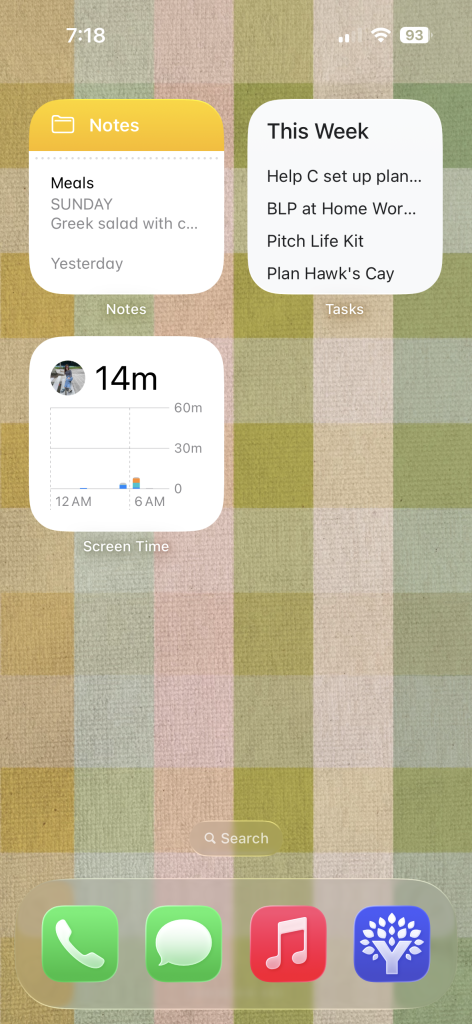
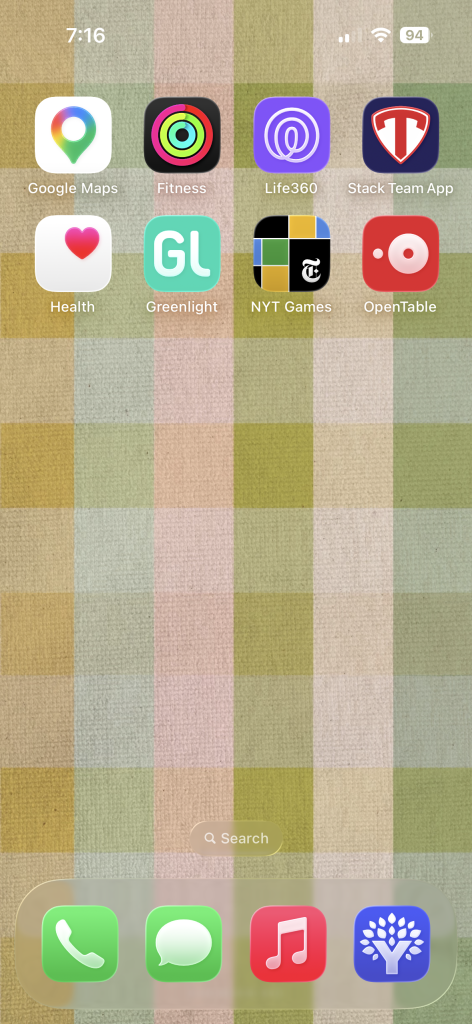
- My current uncluttered phone setup
- Addressing planner perfectionism
- Annual vs Academic calendars
- Planner news mentioned:
Aura Estelle Magnet Planner
Hobonichi launch site

PHONE ORGANIZATION
AUGUST SPONSORS
- Factor: Head to factormeals.com/plans50off and and use code plans50off to get 50 percent off and 1 free breakfast item per box while supplies last until 10/31/2026
- IXL: Best Laid Plans listeners can get an exclusive 20% off IXL membership when they sign up today at https://www.ixl.com/plans.
- PrepDish: Meal planning done for you — with Instacart links (optional, but it works so well if you like to shop that way)! Try it free for 2 weeks by visiting prepdish.com/plans

6 Comments
Re. The academic year planning – I do professional planning on academic year level, because it aligns with our annual review process. And personal planning for January. Because I won’t be taking on any personal projects amidst the chaos of a new term.
totally makes sense !!!
I was laughing at the part where you mentioned “people” leaving their planners in the car and having the erasable ink disappear. Yes, don’t do that!!!
hahahah YES!!!
Just catching up on episodes! I was wondering how the digital task management is going. Just wondering if you have an iPhone and if you do why Google Tasks/Calendar over Apple Reminders/Calendar. I find I prefer Google Calendar and Apple Reminders but it’s so sad they do not play well. Recently switched everything over to Apple Calendar/Reminder with the new Siri update as well. Interested to hear your reasoning!
Hi! I prefer to use my laptop for anything other than quick entry and I love that tasks shows everything right next to my email! By getting teh Tasks Widget on the iPhone it’s super quick to enter on the fly, but any processing or more detailed work in that list I use my laptop.
(I tend to prefer laptop for most things!)